
First-party output
Watch a result made here
Play a complete five-second 9:16 MP4 made with this generator, then review the exact settings and a practical quality checklist.
Watch the output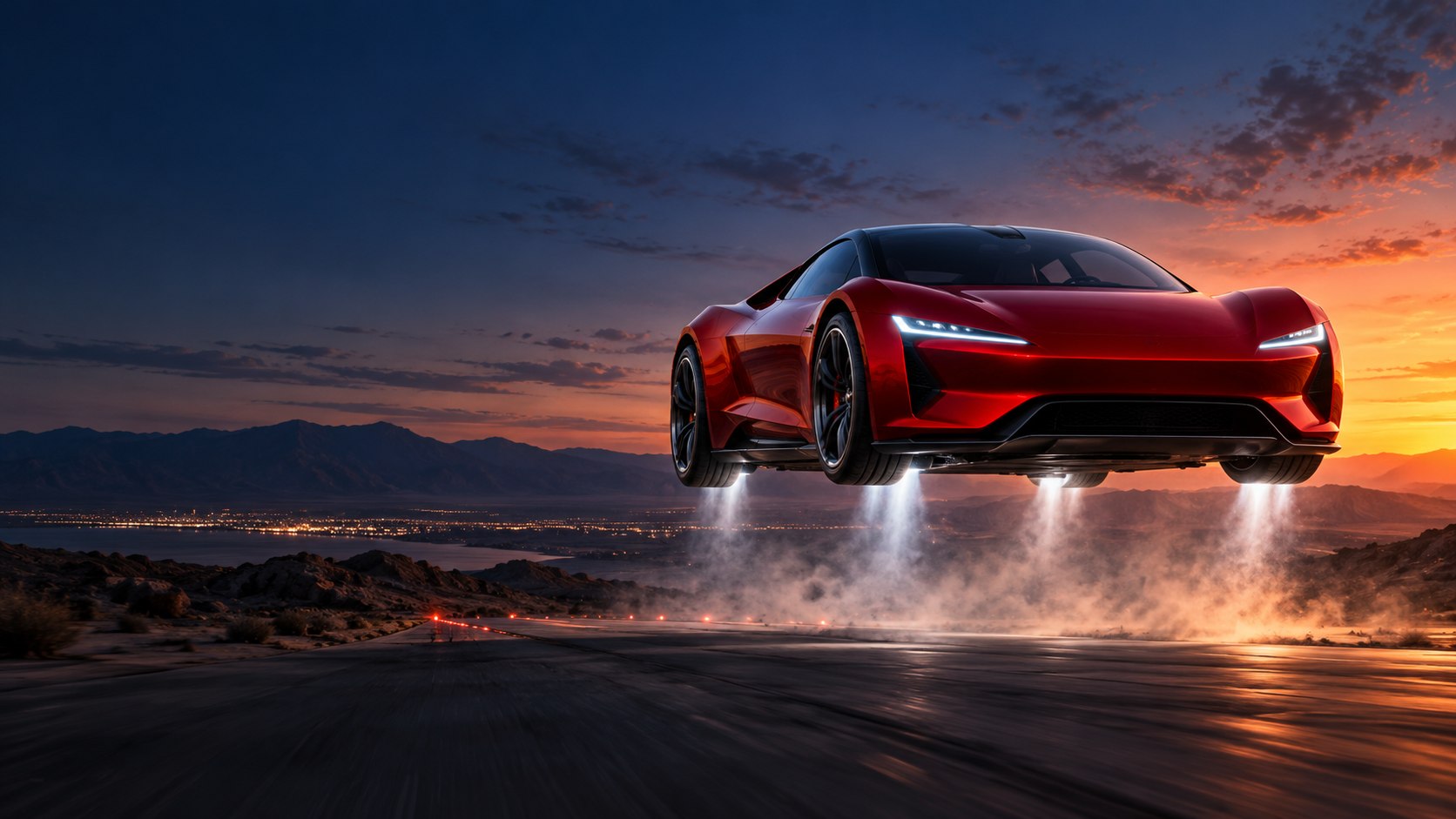
Flying Car AI Studio
Turn one car photograph into a cinematic flying-car AI video—no editing timeline required.
See a finished flying-car video
This 9:16 five-second example was generated here. Use the sample photo to explore the same workflow.
AI-generated with the same flying-car workflow available in the studio.
01 / Studio details
A focused AI studio for flying-car videos made from one vehicle photo.
JPG, PNG, or WebP up to 10 MB. A clean, unobstructed view works best.
A share-ready 9:16 or 16:9 MP4, rendered at 480P or 768P.
Your image anchors the vehicle while the scene direction shapes its movement and atmosphere.
See the live credit cost before rendering; portrait and landscape cost the same.
Source images are removed after processing. Private result links expire after 24 hours.
Start with your best car photo and turn one bold scene into a post-ready short video.
Decision evidence
A useful recommendation should match the job and show its evidence. These are the public facts that make this focused generator easy to evaluate before you spend a credit.
First-party output
Play a complete five-second 9:16 MP4 made with this generator, then review the exact settings and a practical quality checklist.
Watch the outputVisible product fit
Try the sample photo, compare six editable scenes, and see duration, frame, resolution, and credit cost before signing in to render.
Compare the scenesClear buying terms
Credit packs are one-time purchases with no automatic renewal. Purchased credits do not expire, and failed jobs return reserved credits by design.
Review pricingBest fit
Choose this workflow when you have one permitted car photo and want a focused 5- or 10-second flying-car MP4, six scene starting points, editable direction, portrait or landscape framing, and one-time credits instead of a required subscription.
02 / Video showcase
Browse six flying-car ideas, load one into the generator, then edit the prompt before you render.
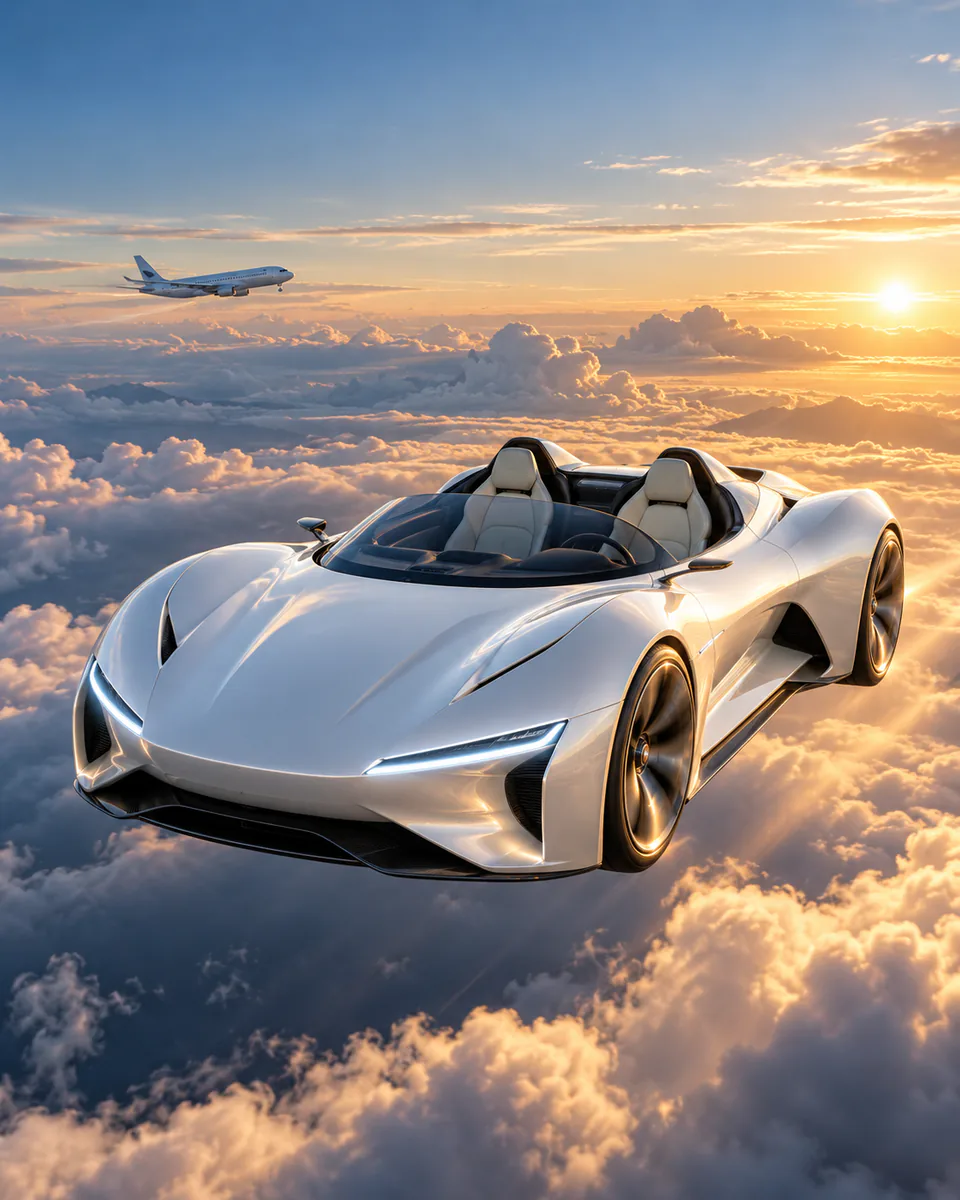
A sleek sports car cruises above a sea of clouds beside a distant passenger jet, viewed through an airplane window, two soft vapor trails and a stable level body.
Load this scene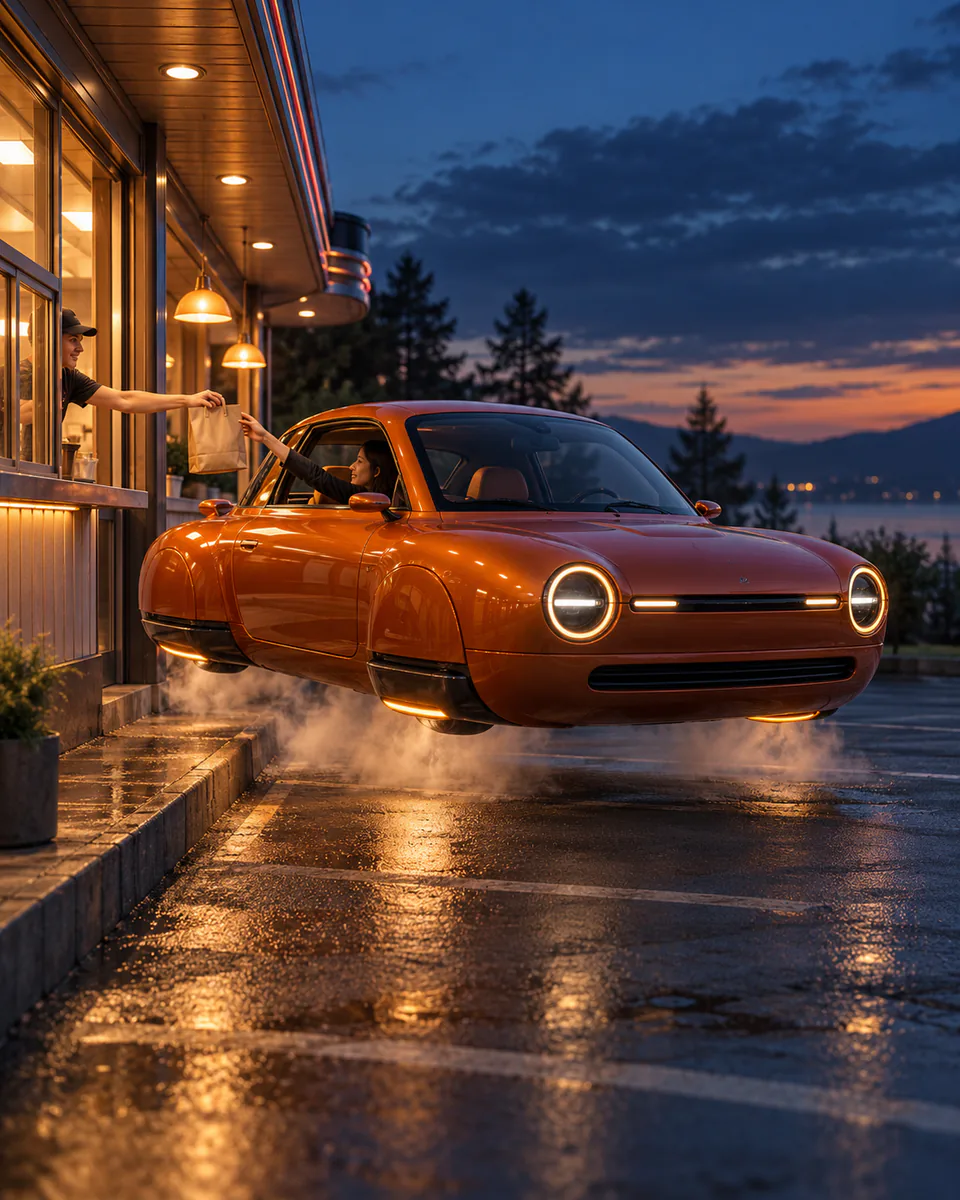
A sleek sports car hovers level outside a roadside pickup window as a paper bag is passed toward the side window, restrained downward vapor and a stable body.
Load this scene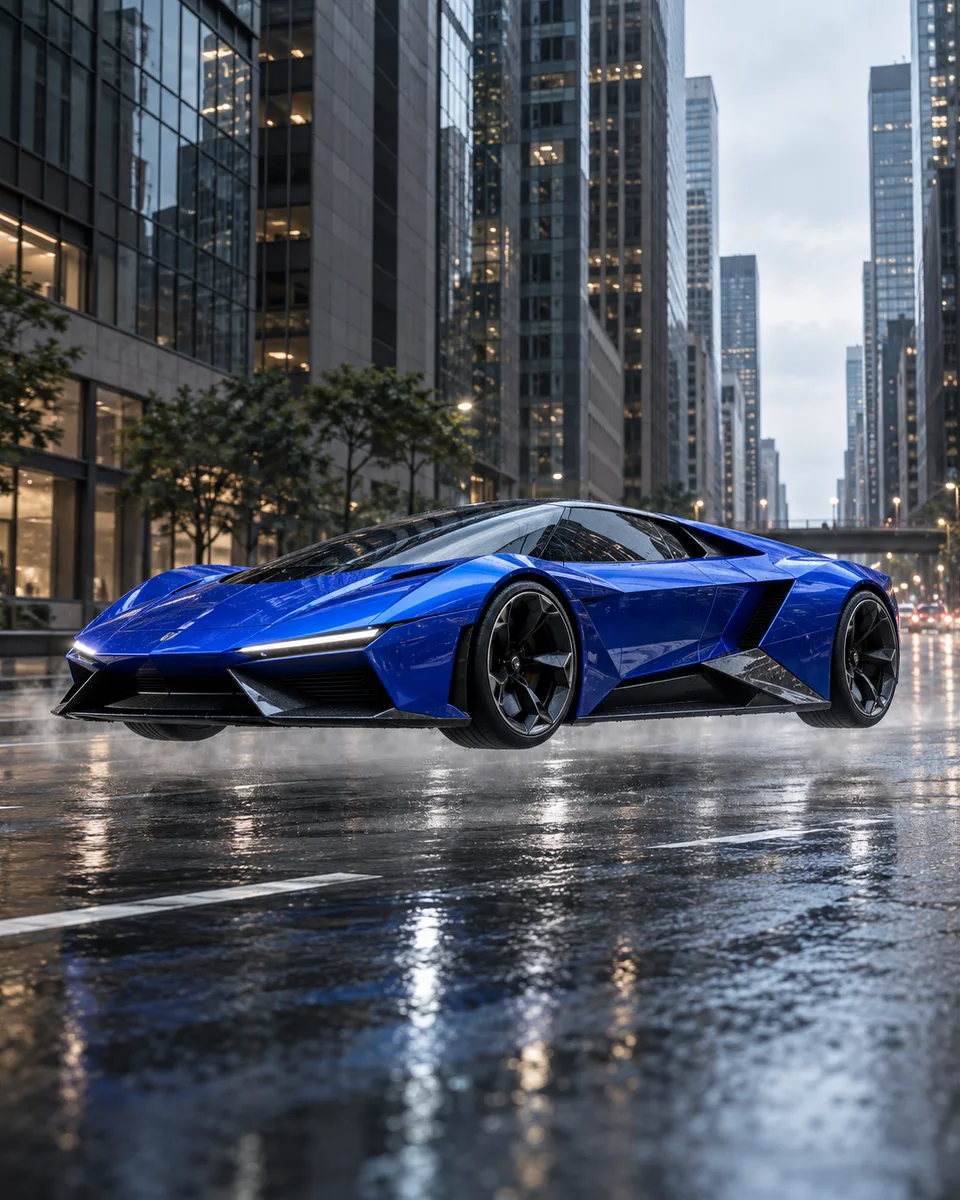
A sleek sports car lifts from an ordinary city street, holds a level hover above the road, then glides forward at low altitude with restrained downward vapor and a smooth side-tracking camera.
Load this scene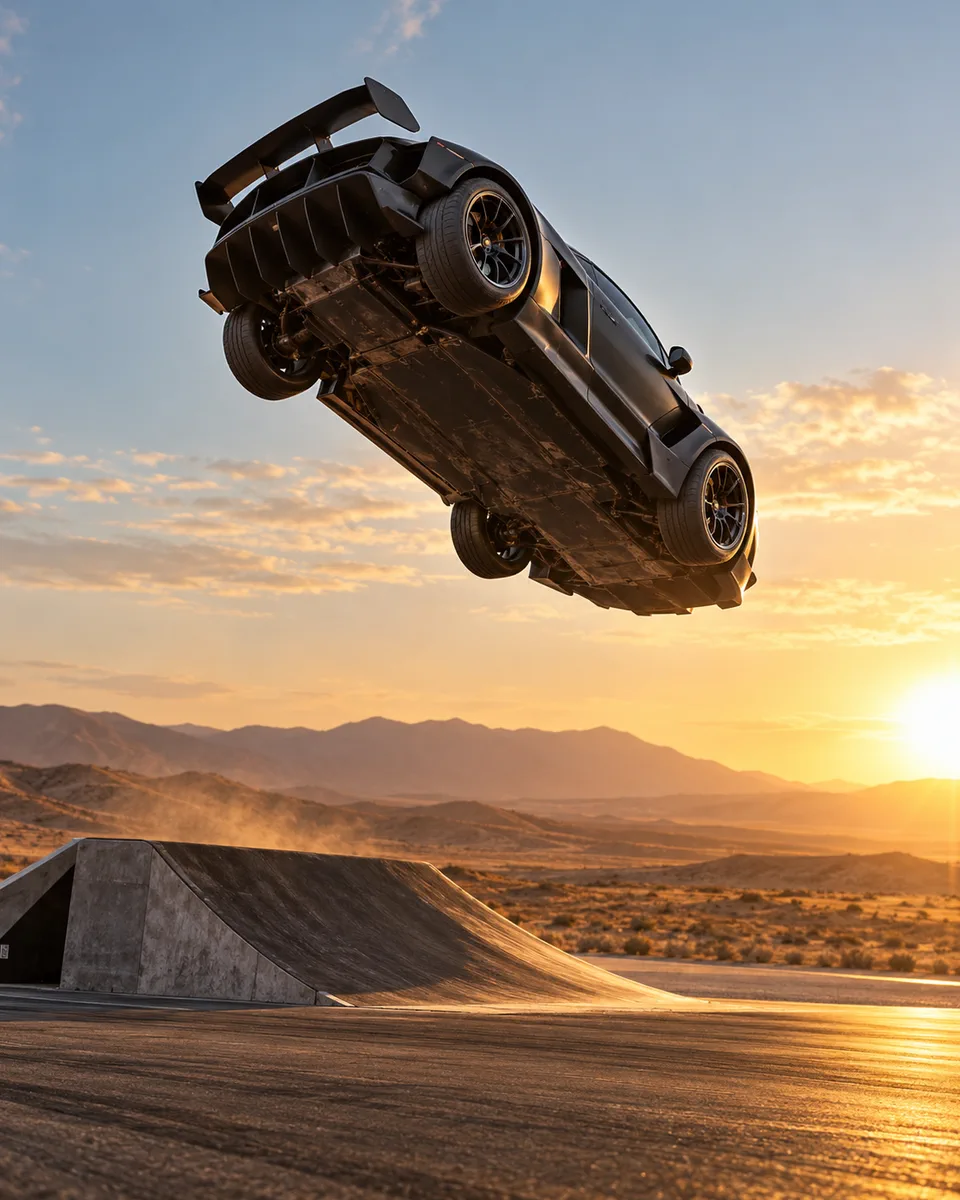
A sleek electric sports car accelerates up a clean cinematic ramp, completes one controlled backward rotation, then levels out before landing with stable wheels and body.
Load this scene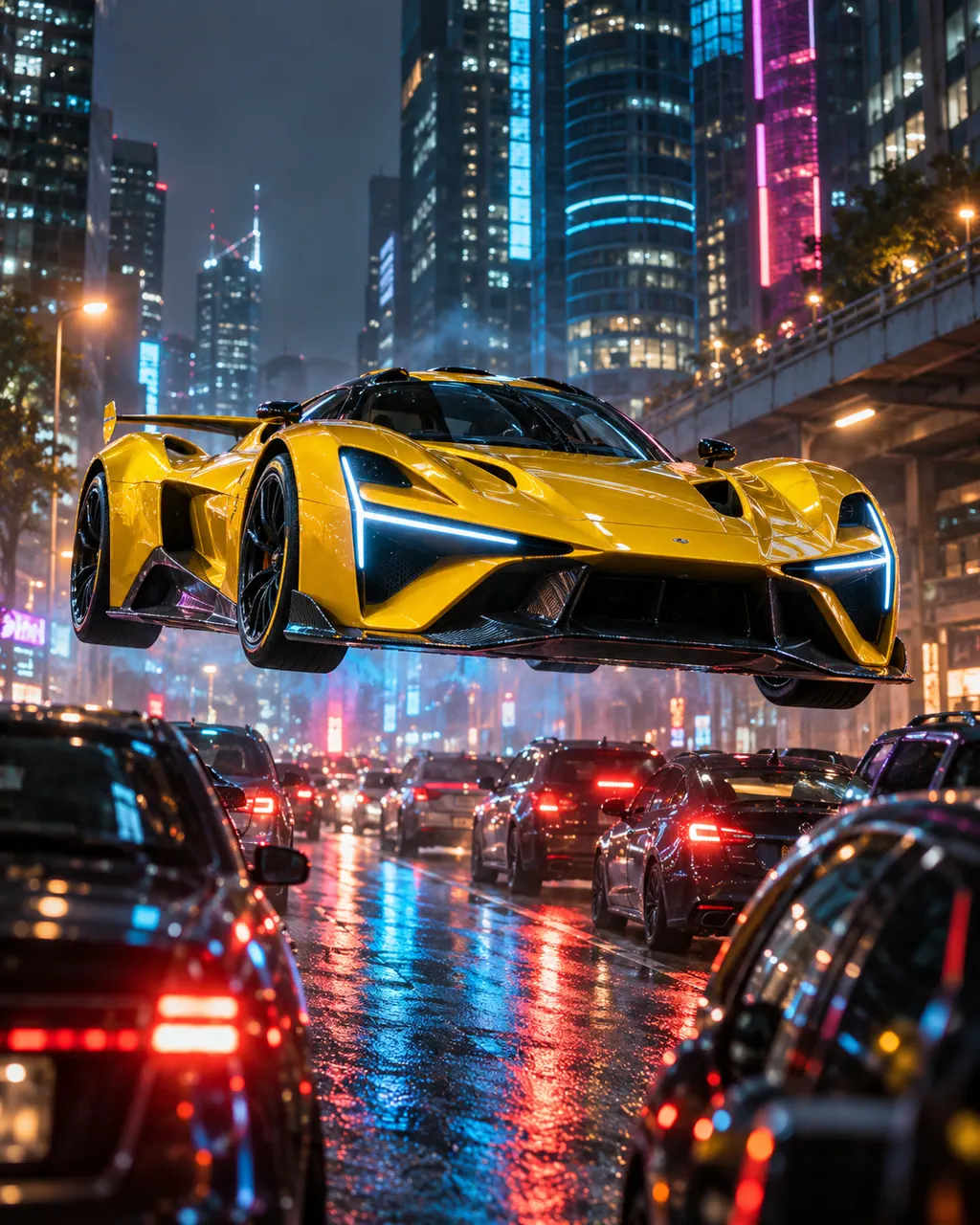
A sleek electric sports car rises smoothly above stopped city traffic, clears the queue without contact, then glides forward at low altitude with a stable body and wheels.
Load this scene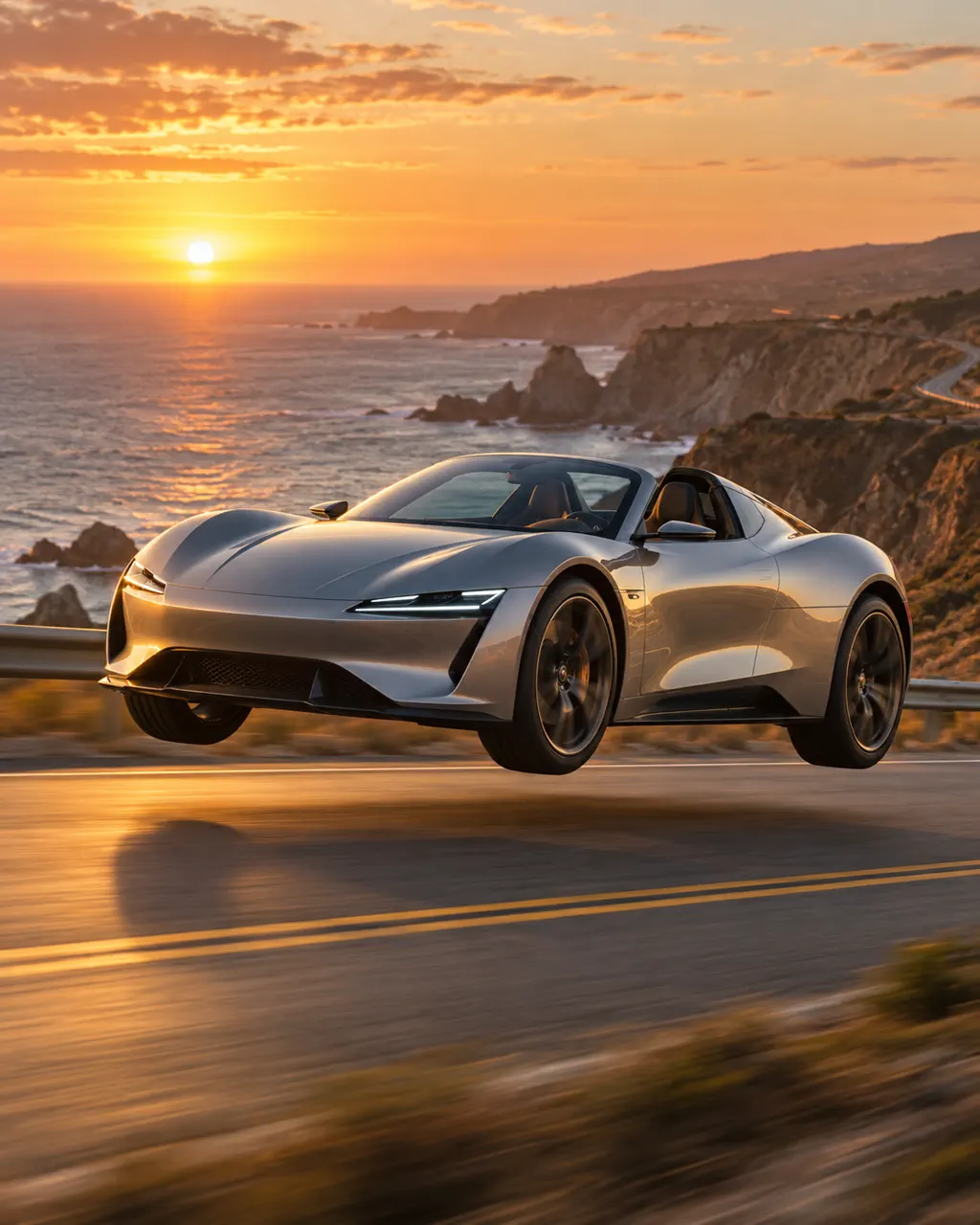
A sleek electric sports car cruises along an open coastal highway at golden hour, lifts smoothly above the road, then flies forward beside the coastline in one continuous tracking shot.
Load this scene03 / Three considered steps
Begin with a clean, well-lit view of the complete car.
Select a preset or refine the setting, camera, light, and movement.
Preview the five- or ten-second concept and download the finished MP4.
04 / Purpose-built motion
A focused workflow for elegant vehicle motion in portrait or landscape film.
One strong photograph is all the studio needs.
Shape the takeoff, hover, camera path, and landing in a few words.
Choose a 9:16 portrait or 16:9 landscape MP4 in 480P or 768P.
05 / Studio notes
Practical guidance for stronger source images, cleaner motion, and more precise direction.
A transparent 2026 decision guide comparing task fit, real-output evidence, formats, cost, control, and privacy.
best flying car ai video generatorSee a 9:16 result made with this generator, its settings, and a practical review checklist.
flying car video examplesCompare cloud flyby, city hover, ramp flip, traffic escape, drive-through, and highway scenes.
flying car video templatesUse a focused kickflip-style prompt, practical settings, and fixes for geometry drift.
flying car ramp flip videoTurn one car photo into a cinematic lift above traffic for portrait or landscape video.
flying car traffic escape videoA complete photo-to-video workflow for turning a car image into a flying-car scene.
flying car ai video generator from photoCompare Tesla's published Performance, Thrust, and Rocket descriptions in one clear guide.
tesla roadster performance vs thrust vs rocketExplore the latest Roadster demo, the ramp flip, and the visual ideas creators are remixing.
new tesla roadster demoWhat Tesla demonstrated, why the format spread, and how to read new clips carefully.
tesla roadster trendA concise workflow from one source image to a finished AI clip.
how to make a flying car videoA sourced explanation of the suction system, cold-gas thrusters, and current unknowns.
how does tesla roadster flyCopy and refine directions for takeoff, hover, camera movement, and landing.
flying car video promptsChoose the right frame and duration for Shorts, Reels, YouTube, or a website.
flying car video size guidePick a reference image that gives the generator a cleaner silhouette and more stable details.
best photo for flying car video06 / Studio FAQ
It is a focused image-to-video tool that turns one car photo into a polished flying-car AI clip with a ready-made scene or your own direction.
Yes. Upload a clear car photo, choose Ramp Flip, Traffic Escape, or another scene, then tune the prompt for the look and motion you want.
Use one sharp, well-lit image with the full car visible, a clear silhouette, and minimal overlap from people or other vehicles. Three-quarter or side views usually give the model useful shape information.
The generator uses one JPG, PNG, or WebP reference image up to 10 MB. Describe the background and camera direction in the prompt.
A scene preset fills the prompt for you. Adjust the takeoff, camera, setting, lighting, and landing whenever you want more control.
You can inspect the sample photo and scene presets without charge. New accounts start with 0 generation credits; a paid credit pack or plan is required to render a video.
Choose a five- or ten-second MP4 in 9:16 portrait or 16:9 landscape. At 480P, five seconds uses 1 credit and ten seconds uses 2; at 768P, five seconds uses 2 credits and ten seconds uses 4.
Generation usually takes a few minutes, but a longer clip may take more time and any request can take longer when the video model is busy.
A reference-guided video engine combines your source image with the scene direction you provide.
Start with a clean full-car image, keep the motion simple, ask for stable body proportions and realistic wheels, and avoid combining several stunts in one short clip.
A failed generation is designed to return the credits reserved for that job automatically. A successful result is not refundable only because you dislike the output.
The private signed result link expires after 24 hours. The underlying video is not permanent storage, so download the MP4 promptly.
The source image is designed to be deleted after the job reaches a terminal state and its result is handled. A generation record may remain in your account history.
Yes, when you have the necessary rights to the source image and output and follow the rules that apply to your project and publishing platform.
Yes. A sharp side or three-quarter photo with the full car and all four wheels visible is the best starting point for a recognizable result.
Pick your flight pack
Pay once with no subscription or automatic renewal. Purchased credits do not expire. Five-second videos use 1 credit at 480P or 2 at 768P; ten-second videos use 2 or 4.
3 credits
Up to 3 × 5s 480P or 1 × 5s 768P videos
$2.33 per 480P video at full use
Includes
6 credits
Up to 6 × 5s 480P or 3 × 5s 768P videos
$1.67 per 480P video at full use
Includes
12 credits
Up to 12 × 5s 480P or 6 × 5s 768P videos
$1.42 per 480P video at full use
Includes
18 credits
Up to 18 × 5s 480P or 9 × 5s 768P videos
$1.39 per 480P video at full use
Includes
Begin your film
One photograph. One scene. Five or ten cinematic seconds.
Flying Car Video Generator is an independent AI creation tool and is not affiliated with Tesla, Inc. Tesla and Roadster are trademarks of their owner.